
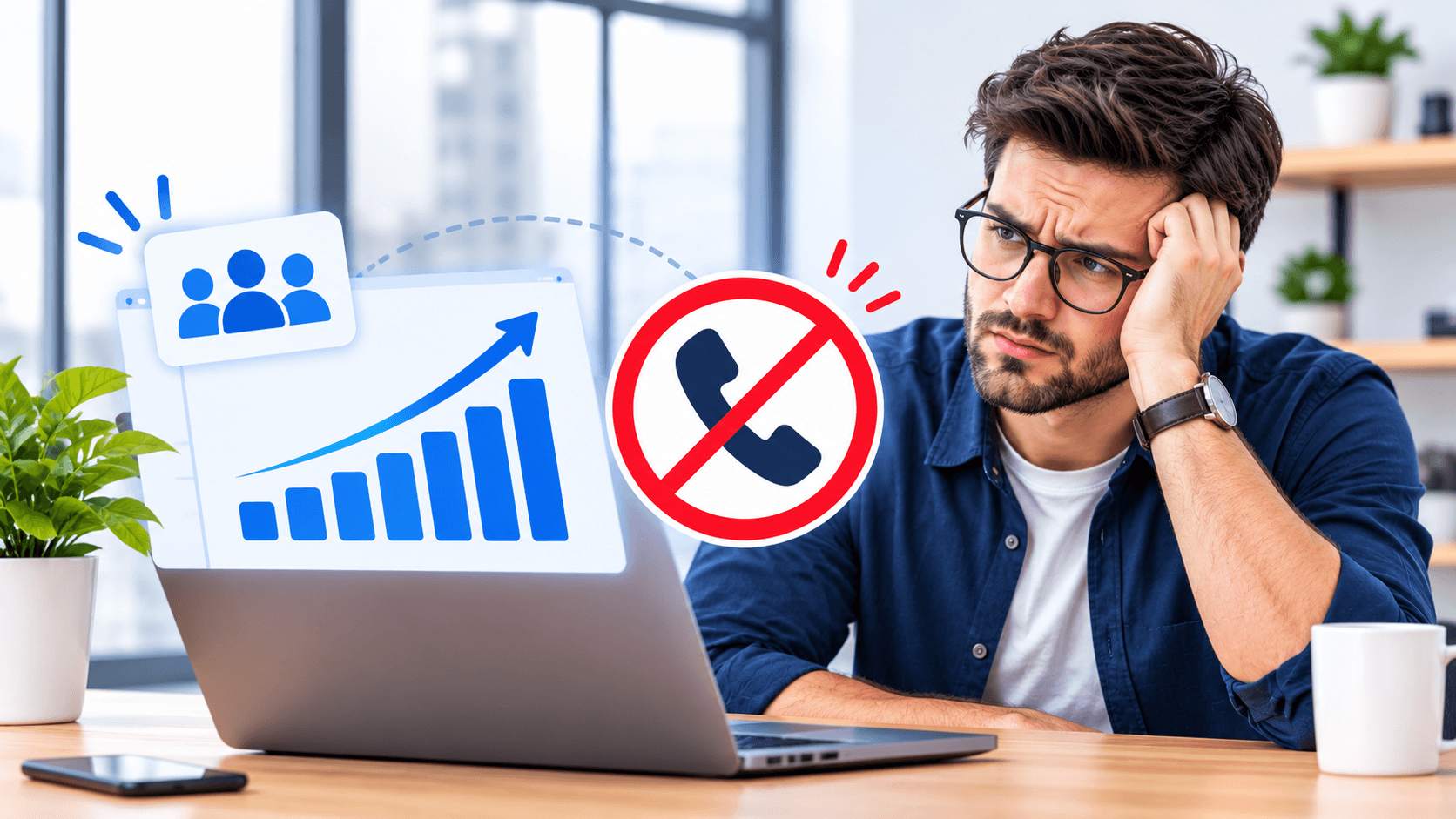
Does Your Website Get Traffic, but No Calls?
Is your website getting visitors, but your phone isn’t ringing? A lot of businesses in Ocala and Marion County are paying for ads and SEO and still not getting calls from their website. The typical solution to this is to get more website traffic. However, most sites already have the traffic coming to them, just for some reason, it’s losing visitors before a phone call is placed. This guide will help you find what’s turning them away and fix it, before you spend any more on ads.
If your website gets traffic but no calls
One website visit isn’t the same as a new customer. Someone can land on your homepage, leave after eight seconds, and that still counts as a visit. Sort of like someone walking into your shop. If they only stay for a few seconds and do nothing, they count as “foot traffic,” but they aren’t customers yet.
So if your website seems busy but your phone is quiet, that usually means people are finding you, but something on your site is stopping them from calling. To fix it, think about what they came to your site for.
Most people come to your website for one of three things:
- A quote
- An appointment
- A phone number they can tap to call
If your website makes it difficult for them to find what they’re looking for, then they’ll go to another business’s website to call them instead. It’s that simple.
What to check first on mobile
Act like your own customer, and test your website on your own mobile phone (not on a desktop).
- See how fast it loads. Can the main message of your website be read within 3 seconds?
- Take a close look at where the phone number for your business appears on every page of your website, including the homepage. Can a visitor easily find and tap your phone number to place a call? An image of your phone number isn’t enough for a visitor to place a call from your website. It must be a working link that allows for a tap-to-call action.
- Are the fields for the form to book you quick (name, phone number, message)? Or are there too many fields to fill out?
This isn’t a matter of life and death, but if any of these causes a delay, it’ll cause a delay for your customers too. All of these changes can also be done within an afternoon, for example compressing images, changing a number in an image to a tap-to-call link, or cutting your form down to just a few fields.
Psst! If your site doesn’t display text in a readable size on a mobile phone, that is a problem for your website visitors as well as your Google ranking. See our post on responsive web design and SEO for more information about this issue.
Why tap-to-call matters so much
A lot of local searches come from someone looking for immediate help. They need to be able to call you right now from your website. So the phone number on your website is by far the most important thing.
This call link should open the phone’s dialer when a website visitor taps it. Your number should appear at the top of every page, next to your main offer, and at the bottom of every page as well. Your business’s phone number should also appear everywhere your business appears online, including your website, Google Business Profile, and ads.
Don’t forget that AI tools such as ChatGPT may now also list local businesses, just like Google Maps. Starting November 10, 2026, local businesses can claim an existing US listing in ChatGPT’s Business Hub. We also cover how AI reads your business’s website content in How to Rewrite Your Website Content for AI Crawlers.
Landing pages vs your homepage
Your homepage is for people trying to get to know about you. Landing pages are for people trying to make a decision about you.
For example, a person in Ocala may hear a radio ad for a discount on XYZ HVAC service and search for that offer online. They should land on a single page which clearly outlines the offer advertised and how to take action on that offer. Not on the business’s homepage with 6 different services that they offer, and a blog in the sidebar.
Keep these rules in mind when it comes to these pages:
- Only have one main button, such as “Call Now” or “Book This” or “Get A Quote.” Do not have five other buttons competing with your main call to action.
- Use the same wording and promotions on the landing page that you did in the ad, mailer, or search query.
- Use fewer links in your menu, to keep them from getting lost on your site while deciding.
- Reviews, photos of actual work in progress and completed jobs like theirs, and your service area listed out (e.g. Belleview, Ocala, Dunnellon, Summerfield, etc.) near the button to call.
Trust signals that get customers to call
Before people can call a business that they’ve never used before, they want to know that it is real and safe to hire. The same trust signals can go on your website to answer those questions before you answer them on the phone.
Pictures of your truck in a customer’s driveway are better than stock photos, for instance. Reviews from current customers in Belleview and Summerfield are far better than a review from a customer all the way from Maine.
Things that help anchor trust right away:
- Your real location and the service area towns you serve, Ocala, Dunnellon, Belleview, etc.
- Your real photos of your team, your work in progress, and completed work (before & after photos).
- Current reviews of recent jobs that you completed.
- Your licenses, insurance, and any trade associations you are a part of.
- The hours of operation for your business, and what to expect after you place a call, i.e. same day estimates, next day appointments, etc.
How a slow website costs you calls
You will lose business if your page takes too long to load. That’s especially true when accessed from a phone. Pages loading slowly can also hurt your search engine rankings through Google’s emphasis on page experience, and that could cost you calls.
The most common culprits for a slow loading page are huge images, too many plug-ins, additional scripts, and a slow host that can’t handle sudden traffic spikes.
No need to learn coding to solve this problem. Just get someone to test your website on a few different phones, and then get the heaviest components of the site cut down as much as possible. (We can handle this for you if you need guidance or assistance.)
Before you launch another campaign, read this
A lot of local campaigns lose money because of these things: Your radio ads are on the air or your mail pieces have landed, and people are now searching for your business name.
If your homepage loads slowly, or your contact form does not send, or your listed phone number does not tap to call within your website, all of that effort will bring a surge of activity to your website analytics, but no calls.
Before your next campaign starts, have these ready:
- Create a landing page for the ad. Make sure the name, offer and copy wordings match the corresponding ad.
- Having your landing page set up to work on a phone browser (i.e. all the content on the page viewable within a couple scrolls) with a tap-to-call and/or short form to fill out.
- Tracking: to see how many calls and how many forms were generated by your campaign. Google Analytics calls these actions within your website key events. Google Ads has a different way of tracking and counting calls as leads, like how long they last. Google even reviews call recordings to see if they were good leads! See how Google Ads gives credit for a conversion.
- Have someone answer your phone calls. If a radio ad runs at 5 p.m. for example, then you need someone to answer your phone calls and not let them go to voicemail. A lot of “bad” ad campaigns are really just missed calls, not bad ads.
- Check your website’s loading speed before your campaign starts.
The other side of the radio coin is how it sends people to Google to find your business info and make contact.
Ready to turn visits into calls
Dillon Media Group can set up or edit your website to help get more calls from your other local Ocala and Marion County print, direct mail, radio, TV, SEO, and social media campaigns.
Contact us at 352-895-0831, via email at clinton@dillonmediagroup.com, or via our contact form. We can provide you with a detailed report on your website’s traffic, and where your website is dropping the ball on converting your visitors into calls.
FAQ
Why does my website get traffic but no calls?
Some factor or experience is blocking the call. Typically, it’s that the phone number can’t be tapped (clicked) to start a call, or the page loads slowly and the visitor has left by the time it finally finishes loading. It can also be that the online form the visitor uses to contact you is too long and the visitor gets tired of filling it out, or that the contact page doesn’t match the ad that brought the visitor to the site in the first place.
Do I need to generate more traffic to my website or improve my current website?
If you’re already getting traffic but no calls, then fixing the website with a set of better pages first is likely cheaper and faster than trying to get more traffic that leaks out in the same way.
What is tap-to-call?
This refers to a phone number on a website that someone can tap to immediately call that number from their cell phone.
Do I need a landing page for my radio or mail campaign?
Yes. Create a new page (or what we call a landing page) that will mirror the ad for radio or mail campaigns. The main offer should be on this page along with one clear call to action.
How can I track calls from my website or from ads?
Use call tracking and add your key actions to track in Google Analytics and Google Ads. In Google Ads, you can even count calls over a certain length as conversions so they show up in your campaign reporting.
Sources
Google Analytics Help, Conversions vs. key events in Google Analytics
Google Ads Help, Measure calls from ads
Google Business Profile Help Community, Google Small Business Bulletin, Holiday Checklist and New Features (Nov. 2026)
https://developers.google.com/search/docs/appearance/page-experience
OpenAI, Introducing Businesses in ChatGPT (Nov. 10, 2026)
OpenAI Help Center, Setting up your business on ChatGPT.