
Google Guaranteed: What It Is, What It Costs, and How to Get the Badge
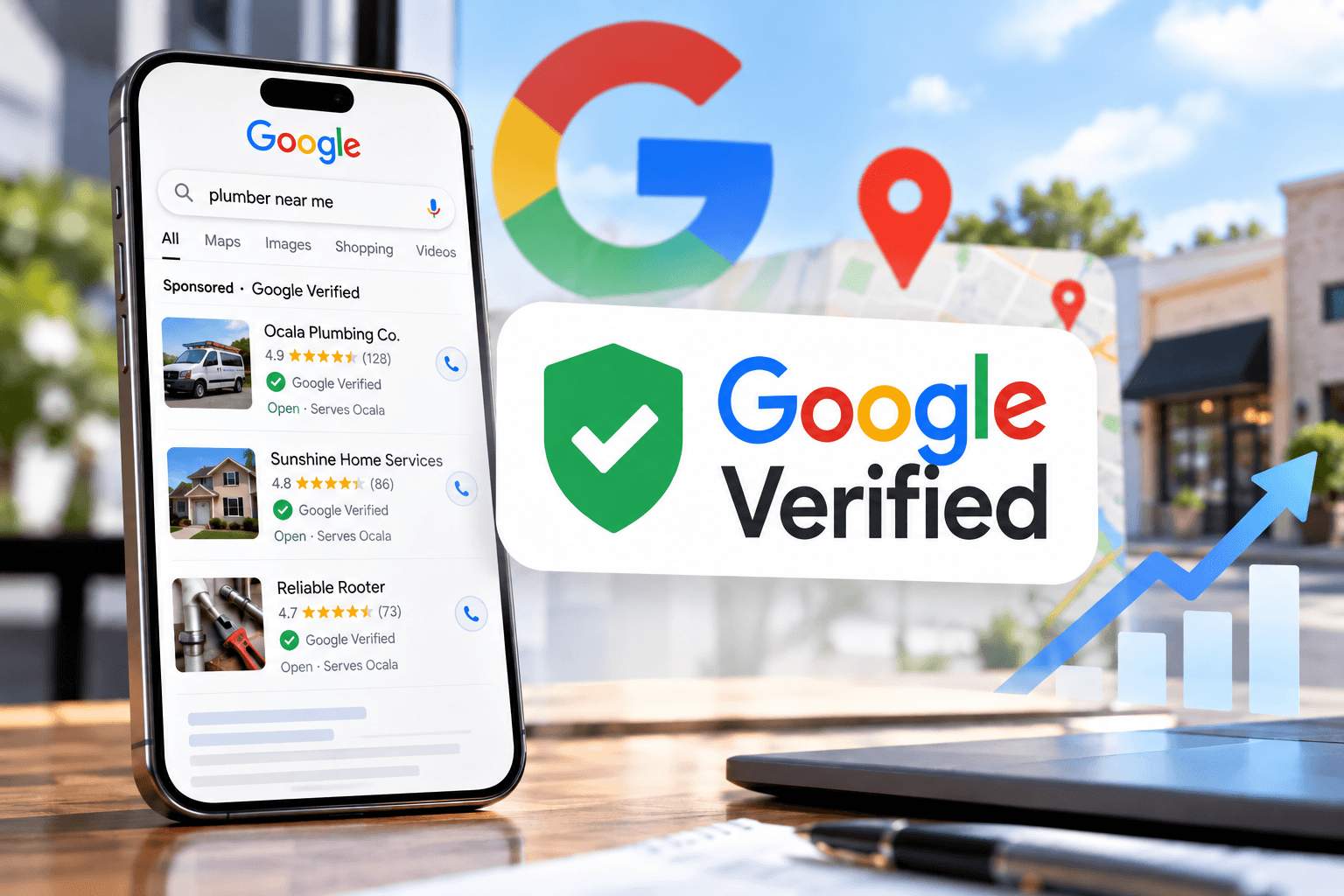
If you run a home service business, you’ve seen it: a row of local businesses at the top of Google, typically placed above the regular ads, each with a green check mark. For years, that was the Google Guaranteed badge.
That was until October 2025, when Google replaced the Google Guarantee with a new badge called Google Verified. The money-back guarantee that gave the old badge its name was discontinued.
But the good news about this switch? The badge still lives inside Google Local Services Ads, and earning it works much like it always has. Here’s what changed, what it costs, and how to get verified in 2026.
What Was the Google Guarantee?
The Google Guarantee was a trust badge for businesses advertising through Google Local Services Ads (LSAs). To earn it, a business passed Google’s screening process, which could include background, license, and insurance checks depending on category and location.
The badge came with a consumer promise. If a customer booked through a Local Services ad and wasn’t happy with the work, Google could, at its sole discretion, reimburse the invoice amount for the initial service, up to a US lifetime limit of $2,000 per customer. Add-on projects, property damage, price complaints, and cancellations weren’t covered.
Google Guaranteed vs. Google Screened
You may also remember Google Screened. It worked the same way but applied to professional services like lawyers, financial planners, and real estate agents, and it didn’t include the money-back guarantee. Google Guaranteed was specifically for home services like plumbers, roofers, HVAC, and cleaners. Today, both are folded into one badge.
What Changed: Google Guaranteed Is Now Google Verified
In August 2025, Google announced it would unify its LSA badges into a single Google Verified badge.
Google Verified badge 
This started in October 2025, replacing Google Guaranteed, Google Screened, License Verified by Google, and the Money Back Guarantee. In practice this meant:
- Existing advertisers didn’t really need to do anything. Businesses that had already completed verification automatically received the Google Verified badge, and their ads kept running.
- New advertisers must complete the same screening and verification process to earn the badge.
- The money-back guarantee is gone. Google says eligible consumers could request reimbursement only for services booked through Local Services Ads before December 7, 2025, and within 30 days of the job’s completion.
- Rankings weren’t affected. Google says the badge change itself doesn’t change how LSAs rank.
- More transparency. Verified profiles show which checks a business passed, such as license or insurance.
Note that the Google Verified badge is currently unavailable for some business categories, including Restaurants and businesses in Food & Beverage and Coffee & Desserts.
Other 2026 Updates Worth Knowing
- LSAs are moving into Google Ads. Google is migrating them into a Performance Max campaign type with pay-per-lead goals, starting with select US home service advertisers in August 2026 and finishing in 2027. Ads still show only on Google Search and Maps, and you still pay per lead. Your Google Verified badge transfers automatically.
- Manual bidding is going away. After migration, maximum cost-per-lead bids aren’t supported, and weekly budgets become daily average budgets.
- Missed calls may now cost you. Industry reports say that starting October 1, 2026, missed calls during business hours can count as charged leads if the caller stays on the line for more than 20 seconds.
How Much Does Google Guaranteed (Google Verified) Cost?
There’s no separate price tag on the badge. You earn it through verification (Google doesn’t charge for the background check), and you pay for Local Services Ads per lead. This means:
- You pay for valid leads, not clicks. A lead is a real contact from a potential customer, such as a phone call you answer, a message, a voicemail, or a booking request.
- Lead prices vary. Google says cost depends on your location, the job type, the lead type, and your bidding mode. Message leads are typically priced lower than phone leads.
- You control the budget. Google won’t exceed your monthly maximum. Google recommends "Maximize Leads" bidding, with an optional target cost per lead.
- Bad leads can be credited. Google screens leads before charging and may automatically credit you low-quality ones later. You can also flag poor leads through feedback.
What will a lead cost in your market? It depends. Start with a modest budget, track which leads become booked jobs, and adjust. Benchmarks put typical cost per lead around $30 - $130 depending on industry (about $67 on average), so your number will land where your market and offer put it.
How to Get the Google Verified Badge (Step by Step)
The process takes some paperwork, but it is straightforward. Google says verification takes 3 to 4 weeks on average after you submit your documents.
Step 1: Check your eligibility
Go to ads.google.com/local-services-ads and enter your ZIP code and category (Google also points new advertisers to g.co/localservices). LSAs are only available for certain categories, and some are limited to specific states.
Step 2: Claim and verify your Google Business Profile
You need a public, verified Google Business Profile linked to your LSA account. The person completing the LSA checks must be an owner or manager on that profile.
Step 3: Build your Local Services profile
Add your business details, service areas, job types, and hours. Be accurate. Listing services you don’t provide brings in unwanted leads that may not be credited back to you.
Step 4: Complete screening and verification
Requirements vary by category and state, but may include:
- Background checks on the business and owners through a third-party partner (no credit pull). Urgent categories like HVAC, electrical, and locksmiths also check field workers.
- State license checks, validated against state databases.
- Insurance checks. Your certificate of insurance must be valid at least 14 days after submission, show a policy number, and match your business name. Minimum coverage varies by category and location.
- Business registration, often via a D-U-N-S number, or documents like your Secretary of State registration or IRS EIN.
- Business representative check, including a government-issued photo ID.
- Reviews, subject to category requirements.
- Advanced Verification for some categories, which can include a video interview with Google.
Step 5: Set your budget and go live
Choose your bidding strategy, set your budget, and complete billing. Some businesses can run pre-badge ads after passing preliminary checks, while finishing the rest. These listings appear below fully verified providers. Pre-badge ads aren’t available for garage door services, health care, or locksmiths.
If you fail a verification check: after a final disqualification, you must wait 30 days to reapply. A second denial means a 180-day wait for every reapplication after that.
How to Rank Higher Once You’re Verified
The badge gets you in the door. Placement is decided by an auction that weighs:
- Your bid and budget
- Your responsiveness. Missed calls can hurt you, and fast replies help.
- Your relevance to the customer’s search, including your services and business bio
- Your profile quality: your star rating, number of reviews, average response time, quality photos, and completed verification checks
Google notes that higher-quality profiles may rank higher and may pay lower costs per lead. So answer the phone, ask for reviews, and add real photos of your work!
Read How Do I Get To Be At The Top Of Google? to learn more about what can help your business show up higher in search.
Is the Google Verified Badge Worth It?
For most licensed home service businesses, it is worth a serious look.
Pros:
- Prominent placement on Google Search and Maps
- You pay for leads, not clicks
- A visible trust signal for customers inviting someone into their home
Cons:
- No more money-back guarantee to advertise to customers
- Limited control compared to regular Google Search ads
- Costs can climb in competitive categories
- Google’s platform policies have barred businesses from promoting their badge status on their own website or marketing collateral
LSAs work best alongside strong local SEO and a well-built website, since many customers check your reviews and site before calling.
Google Verified for Ocala and Central Florida Businesses
If you serve Ocala, Marion County, or the greater Central Florida area, a few things work in your favor when it comes to Google.
First, Florida gets access to some categories most states don’t. Google lists several categories as "California and Florida only," including architects, drain experts, home insulation, and interior designers.
Second, your state license is important. Many Florida trades are licensed through the Department of Business and Professional Regulation, so make sure your business name matches exactly across your license, insurance certificate, and Google Business Profile. Mismatches will slow verification down.
Third, plan for storm season. Roofers, tree services, and water damage companies typically see a rush of calls after Florida storms. Getting verified before hurricane season means you’re ready when customers need you.
Frequently Asked Questions
Is Google Guaranteed still available?
Not under that name. Since October 2025, Google Guaranteed, Google Screened, and similar badges have been replaced by one Google Verified badge. Businesses that were already verified received it automatically.
How much does it cost to become Google Guaranteed?
There’s no fee for the badge itself, and Google doesn’t charge for the background check. You pay per valid lead through Local Services Ads. Lead prices vary by location, job type, and lead type.
How long does it take to get Google Guaranteed?
Google says verification takes 3 to 4 weeks on average after you submit your documents. Getting a D-U-N-S number, if you need one, can take up to 30 days, so start early.
Does Google still refund customers?
No. Google discontinued the Money Back Guarantee with the switch to Google Verified.
Can I get the badge without running Local Services Ads?
No. The badge is tied to Local Services Ads and appears on your LSA profile, not on a regular Google Business Profile.
What’s the difference between Google Guaranteed and Google Screened?
Google Guaranteed was for home service businesses and included a money-back guarantee. Google Screened was for professional services like lawyers and real estate agents. Both are now part of Google Verified.
Need Help Getting Verified?
Local Services Ads can put you in front of ready-to-hire customers fast. But verification paperwork, budgets, and the move into Google Ads are a lot to juggle while you’re also running jobs.
Dillon Media Group helps Ocala and Central Florida businesses show up where customers are looking, from local SEO and websites to Google Ads. If you’d like a second set of eyes on your Google presence, reach out to our team. We’re happy to talk it through.
Sources
- Google. “Google Verified Makes It Easier to Find Trusted Local Businesses Advertising on Google.” The Keyword, 20 Aug. 2025, https://blog.google/products/ads-commerce/google-verified-august-2025/.
- Google. “About Google Verified Badge.” Google Local Services Help, https://support.google.com/localservices/answer/9376654?hl=en. Accessed 1 Oct. 2026.
- Google. “The Google Guarantee.” Google Help, https://support.google.com/assistant/answer/7549288?hl=en. Accessed 1 Oct. 2026.
- Google. “Google Guarantee: Definition.” Google Local Services Help, https://support.google.com/localservices/answer/12778341?hl=en. Accessed 1 Oct. 2026.
- Google. “Google Screened: Definition.” Google Local Services Help, https://support.google.com/localservices/answer/12779450?hl=en. Accessed 1 Oct. 2026.
- Google. “Getting Started with Local Services Ads.” Google Local Services Help, https://support.google.com/localservices/answer/6224841. Accessed 1 Oct. 2026.
- Google. “Understand the Screening and Verification Process.” Google Local Services Help, https://support.google.com/localservices/answer/6226575?hl=en. Accessed 1 Oct. 2026.
- Google. “Business Screening and Verification Requirements - United States.” Google Local Services Help, https://support.google.com/localservices/answer/12174778?co=GENIE.CountryCode%3DUS&hl=en. Accessed 1 Oct. 2026.
- Google. “How Providers Qualify for Local Services Ads.” Google Local Services Help, https://support.google.com/localservices/answer/6230381?hl=en. Accessed 1 Oct. 2026.
- Google. “How Leads Work.” Google Local Services Help, https://support.google.com/localservices/answer/7195435?hl=en. Accessed 1 Oct. 2026.
- Google. “About Ad Rankings.” Google Local Services Help, https://support.google.com/localservices/answer/7527305?hl=en. Accessed 1 Oct. 2026.
- Google. “About Target CPL Bidding.” Google Local Services Help, https://support.google.com/localservices/answer/15406075?hl=en. Accessed 1 Oct. 2026.
- Google. “About Automated Local Services Ads Lead Credits.” Google Local Services Help, https://support.google.com/localservices/answer/15100654?hl=en. Accessed 1 Oct. 2026.
- Google. “Local Services Platform Policies.” Google Local Services Help, https://support.google.com/localservices/answer/6245891?hl=en. Accessed 1 Oct. 2026.
- Google. “Local Services Ads Transition to Performance Max Campaigns with Pay-per-Lead Goals.” Google Ads Help, https://support.google.com/google-ads/answer/17213585?hl=en. Accessed 1 Oct. 2026.
- “Google Local Services Ads Will Charge for Some Missed Calls Starting Oct. 1.” Search Engine Land, 25 Aug. 2026, https://searchengineland.com/google-local-services-ads-will-charge-for-some-missed-calls-starting-oct-1-485798.
- “Google Expands Local Services Ads Categories Ahead of Migration.” Search Engine Land, 24 Aug. 2026, https://searchengineland.com/google-expands-local-services-ads-categories-ahead-of-migration-485695.